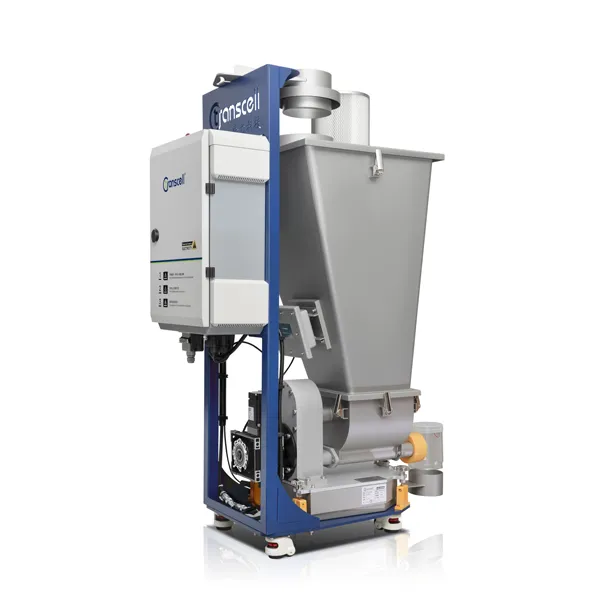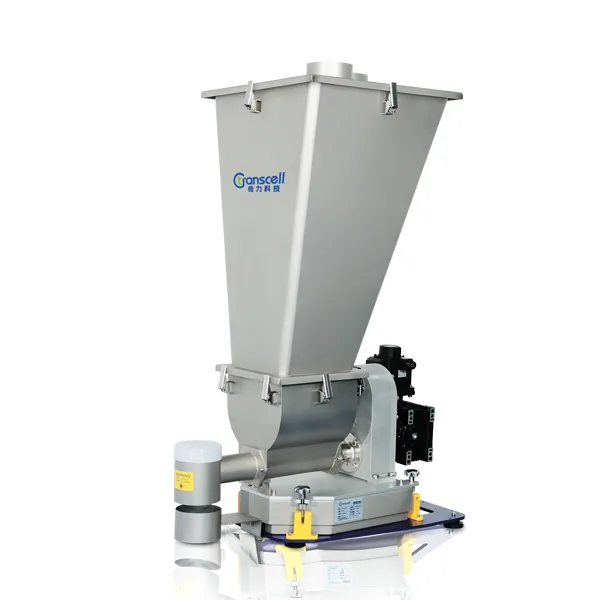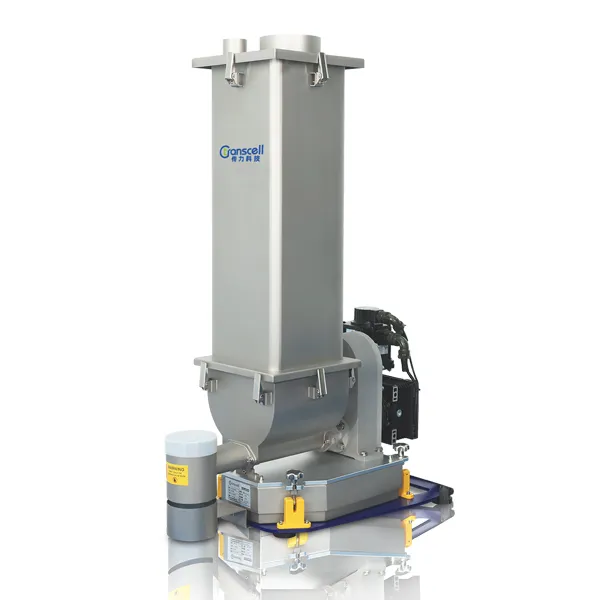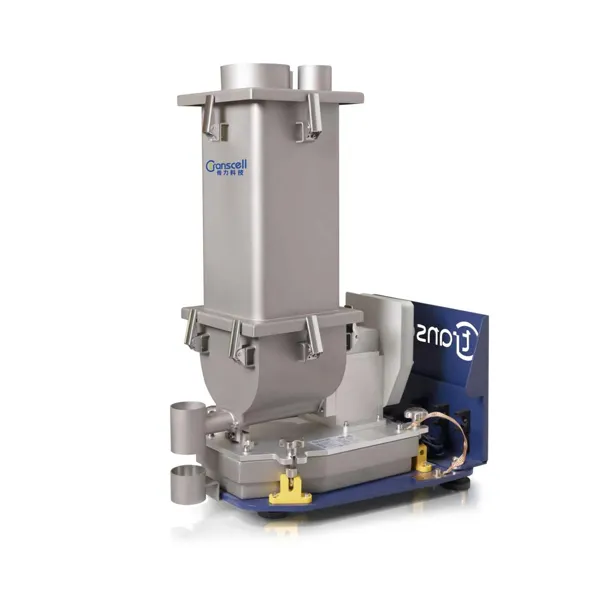
During daily operation, loss-in-weight feeders often encounter various issues that trigger alarms or show abnormal signs.
Ignoring these abnormalities not only affects product quality and production efficiency, but also may cause you to miss early opportunities for adjustment and debugging, leading to serious equipment damage. Today, we have compiled 11 common problems and solutions for loss-in-weight feeders. Process engineers and equipment managers, be sure to save this!
Refill Alarm
Definition: This alarm occurs when the net weight of material does not reach the set upper limit within the specified refill time.
Troubleshooting:
Check whether the refill time setting is reasonable. Typically, the set refill time should be slightly longer than the actual refill time required.
Check whether the refill solenoid valve is receiving a signal: Observe if there is a refill signal output on the touchscreen. If there is, but the butterfly valve does not actuate, suspect a damaged solenoid or wiring issue.
Check the air supply pressure. Ensure that the operating air pressure for the butterfly valve actuator is between 0.4 and 0.6 MPa.
Check whether the material in the refill hopper is insufficient.
Check whether the butterfly valve operates properly. If the bolts/nuts securing the butterfly valve are too tight, they may impede valve movement.
Deviation Alarm
Definition: This alarm occurs when the deviation between the actual flow rate and the set flow rate exceeds the deviation alarm range.
Troubleshooting:
Check whether the hopper is empty. When material runs out, the actual flow rate will gradually decrease, triggering a deviation alarm.
Confirm whether the deviation alarm setting is reasonable; adjust if necessary.
If the actual flow rate fluctuates excessively and triggers the alarm, check the compatibility between the material and the feeder, and whether the screw selection and flow rate settings are appropriate.
Check for interference factors, such as overly tight flexible connections, or the scale body coming into contact with external equipment.
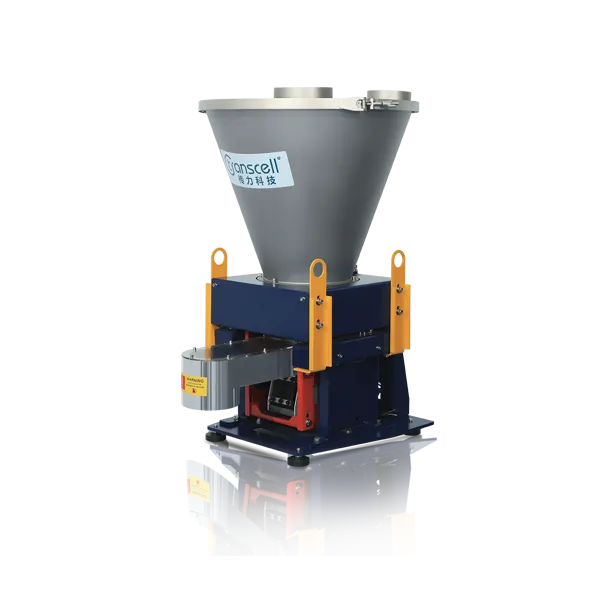
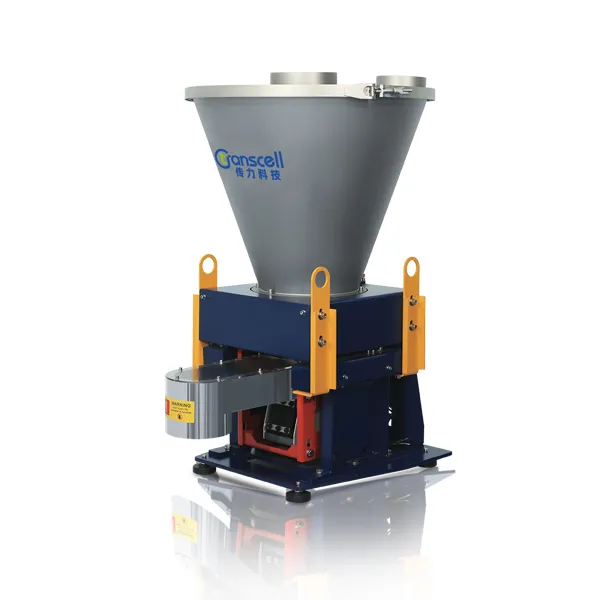
Vibrating Loss-in-Weight Feeder | Source: Transcell Technology
Speed Alarm
Definition: This alarm occurs when the drive command (4-20mA signal) to the motor speed is less than 1% or greater than 100%.
Troubleshooting:
Check and record the current "Maximum Feed Rate" and "Set Flow Rate" values.
Confirm whether the set flow rate is within the range specified on the loss-in-weight feeder's nameplate.
If the set flow rate is higher than the maximum feed rate, the motor speed will exceed 100%.
If the set flow rate is too low (less than 1% of the maximum feed rate), the motor speed will drop below 1%.
Both cases will trigger a speed alarm.
A speed alarm may also occur if the loss-in-weight feeder runs empty for an extended period.
Under-Range Alarm
Definition: This alarm occurs when the material weight falls below the lower limit of the load cell's range (0 kg).
Troubleshooting:
Check whether any parts (e.g., hopper cover) have been removed from the scale body.
Temporarily place a heavy object on the scale body to make the alarm disappear.
Empty the remaining material from the loss-in-weight feeder hopper and recalibrate the scale.
Servo Drive Alarm
Definition: When the servo drive controller generates an alarm signal, the control card receives it and displays a drive alarm.
Troubleshooting:
Stop the loss-in-weight feeder. Check the alarm signal displayed on the drive. Refer to the operation manual to clear the alarm.
After the cause of the alarm is resolved, press the "Reset" button on the drive (motor controller) to reset the alarm signal, then reset the alarm on the touchscreen.
If the drive alarm is not reset first, simply resetting the alarm on the touchscreen will be ineffective.
Common alarm types include overload, current limit, undervoltage, etc.
Once a drive alarm occurs, take it seriously. Do not restart the equipment until the cause is identified and resolved.
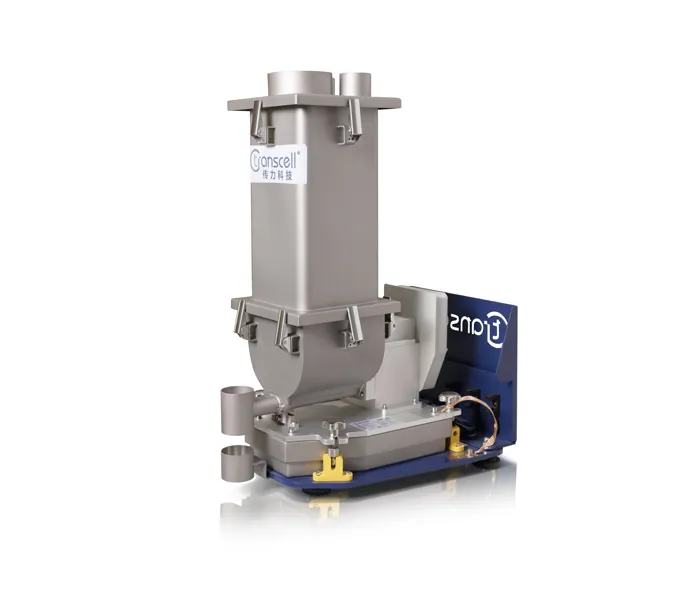
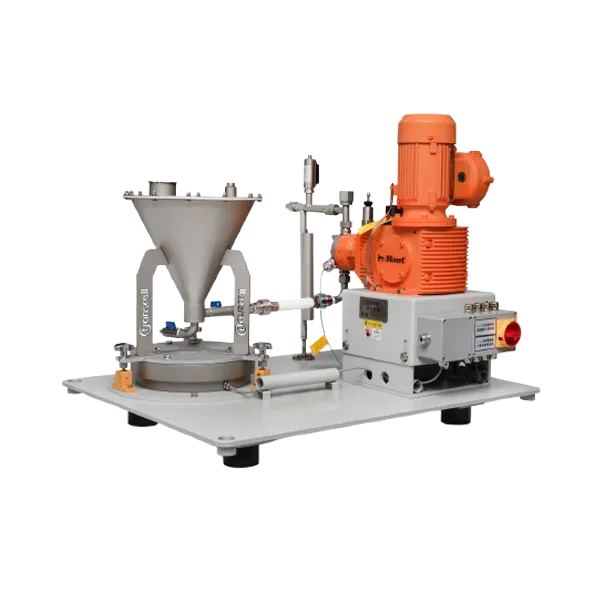
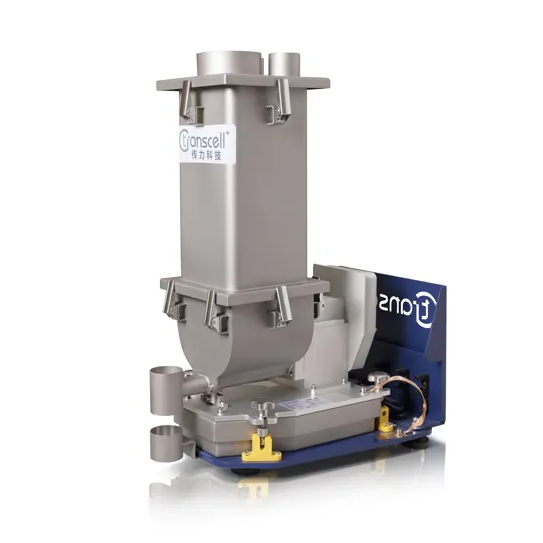
Micro Loss-in-Weight Feeder | Source: Transcell Technology
Equipment Fails to Start
Troubleshooting:
Check if the HMI shows a host interlock status.
Check whether the host provides a main interlock signal (loss-in-weight feeder wires #100, #101).
Check the relay wiring and whether the voltage rating is correct.
Check whether the emergency stop button is reset.
Check whether the wiring from the relay to the control card (pins #8, #9) is correct.
Check whether the "Rated Flow Rate" is set to "0 KG/h".
Check whether communication is connected properly.
Check whether control parameters (drive) are reasonable.
Check whether the main power circuit and control power circuit are normal.
Check whether there are any active alarms on the system.
Actual Feed Rate Does Not Match Measured Feed Rate
Check whether the scale platform is installed level.
Check whether the loss-in-weight feeder has been calibrated correctly.
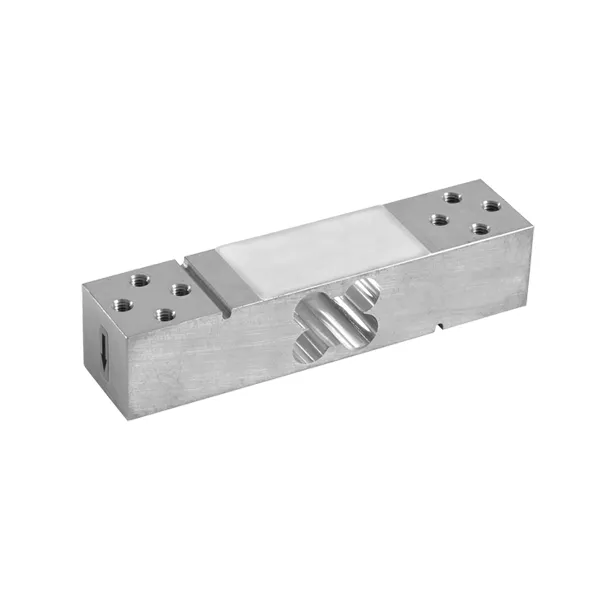
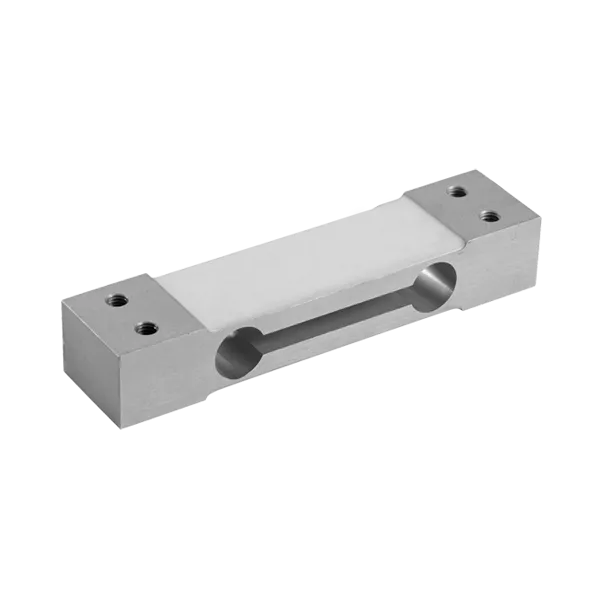
Check whether the load cell is damaged.
Check whether the calibration weights are qualified.
Check for material self-flow at the discharge opening (mainly occurs with liquid feeders).
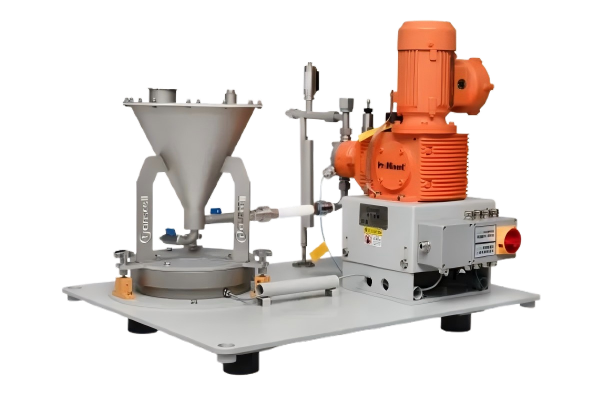
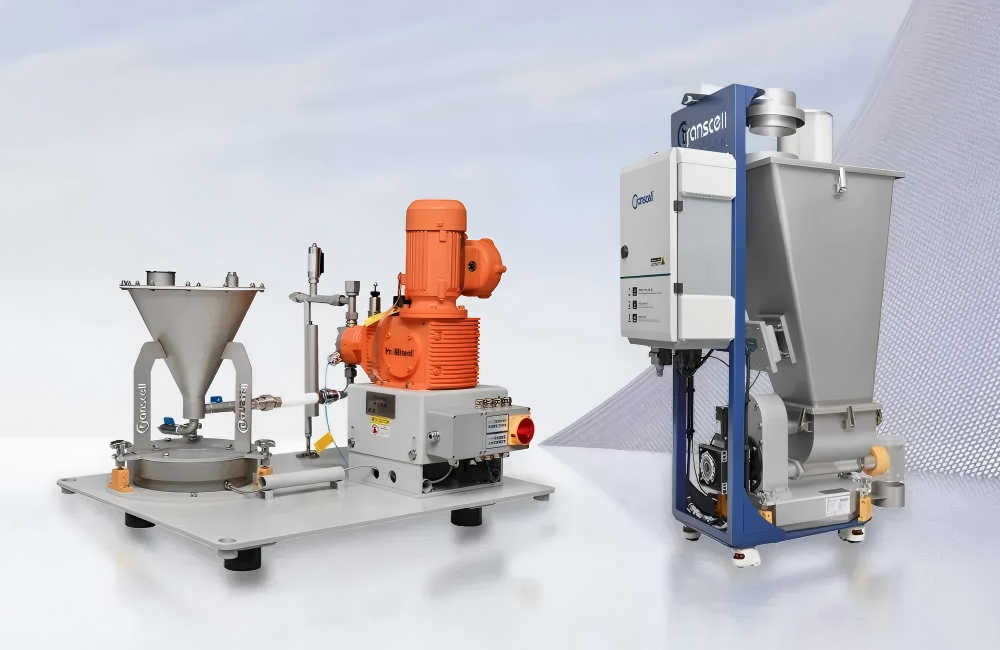
Liquid Loss-in-Weight Feeder | Source: Transcell Technology
No Material Discharged
Check whether the feeder motor is running in reverse.
Check whether material is bridging in the hopper.
Check whether the feed screw has become detached.
Check whether the discharge opening is blocked by foreign material.
Communication Error
Check whether the HMI is too far from the equipment.
Check whether the communication cabling is exposed to strong electromagnetic interference.
Abnormal Noise
Check whether the material is compatible with the loss-in-weight feeder.
Check whether the agitator blade has become detached.
Transcell Technology
Changzhou Transcell Technology Co., Ltd. is a technology company integrating R&D, design, production, sales, and service. We develop professional solutions based on material characteristics, covering feeding, conveying, weighing, blending, and packaging in one integrated package. We ensure the best system performance and maximum operational benefits for our customers.
To learn more about various loss-in-weight feeders, as well as metering and batching solutions for solids and liquids, please contact us.
Tel: +86 519 85266918 , +86 13358173777
 CN
CN